

How to encrypt my project?
Project encryption
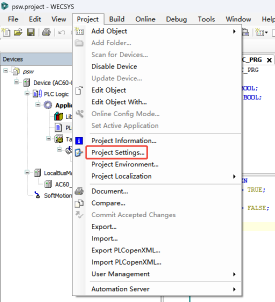
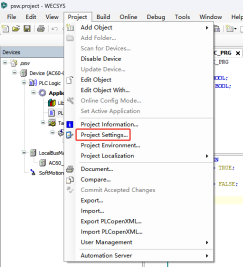
Step1: [Project]-->[Project Settings]
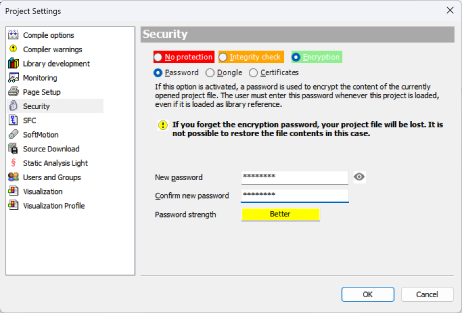
Step2: [Security]-->[Encryption]-->[Password]
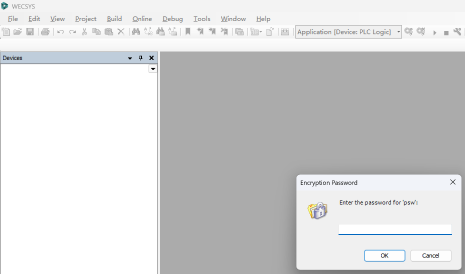
After setting password for project, need to enter password to open the project:
Object encryption
Step1: Create new group and user
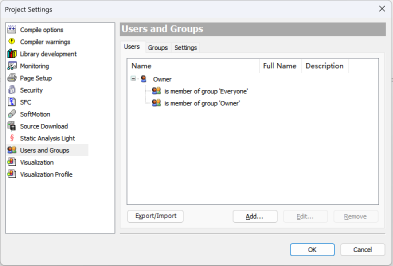
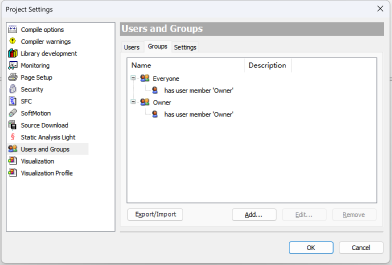
1. There have one default user "Owner" and two default group "Everyone" and "Owner".
2. Only user in "Owner" group have right to add/remove user.
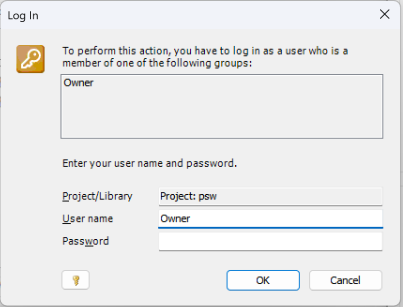
3. The default psw of user "Owner" is blank.
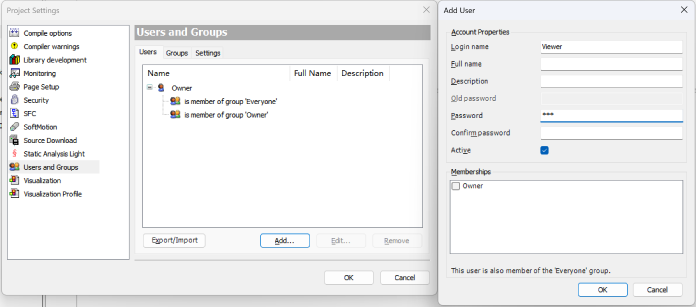
Use "Owner" user(no password) to create a new user, for example "Viewer".
Create a new group, for example "Viewer", and select user "Viewer" as its mumber.
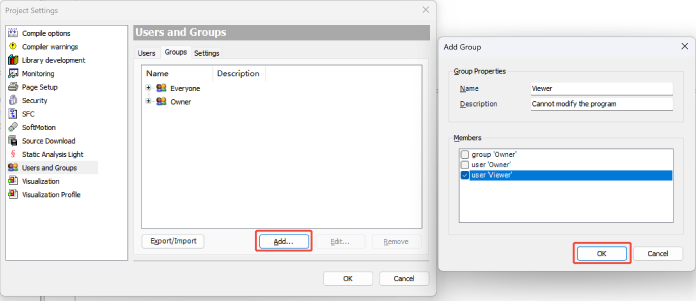
Create another user "Operation" and put it into "Onwer" group.
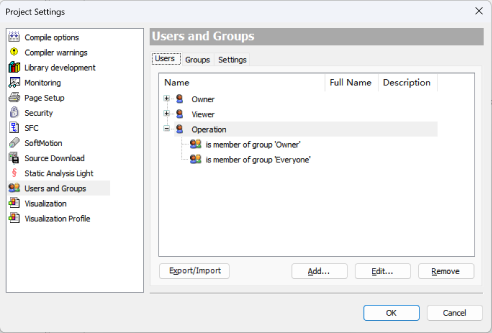
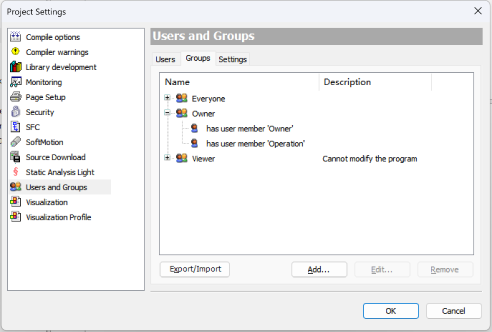
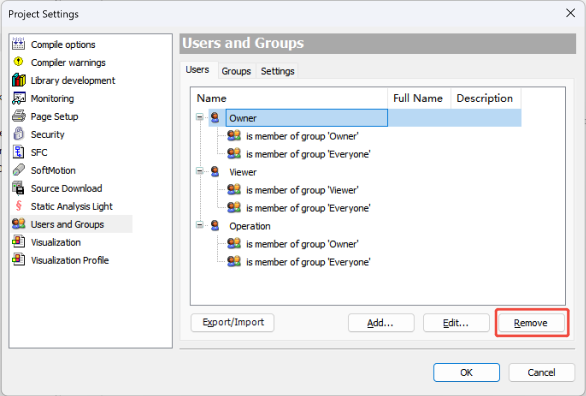
Step2: Login "Operation" and delete or change the password of default user "Owner".
Step3: Set different right of Program/FB/FC...
Right-click FB to enter the "Access Control" page.
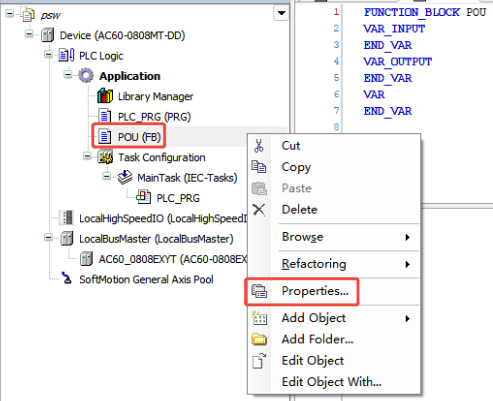
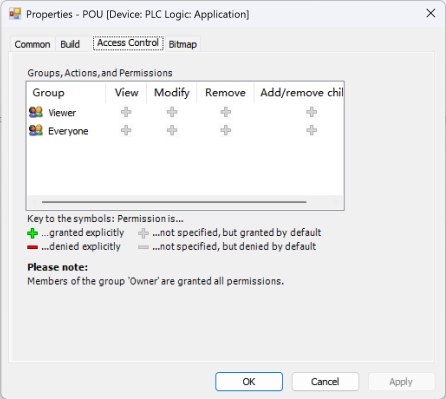
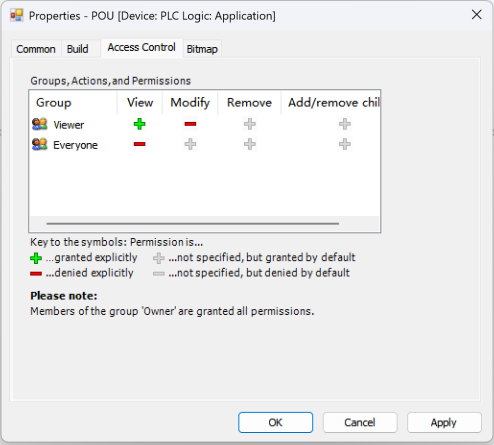
Configure the right of different group, here only mumber in "Viewer" group could view the FB, but cannot modify it. And only mumber in "Owner" can modify the FB.
For details please check the video below: