

How to convert a program from LX3V to LX5V?
Last modified by Jett on 2025/12/29 11:36
You can copy the 3V program into PLC Editor 2.
①Choose all program in PLC Editor. Right click and choose [Copy] or click [Ctrl+C].

②Open a new program [LX5V] in PLC Editor2,then paste program into PLC Editor2.
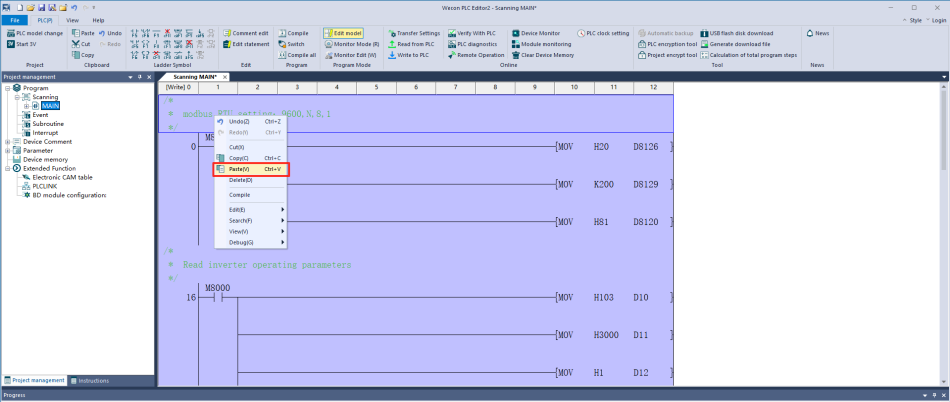
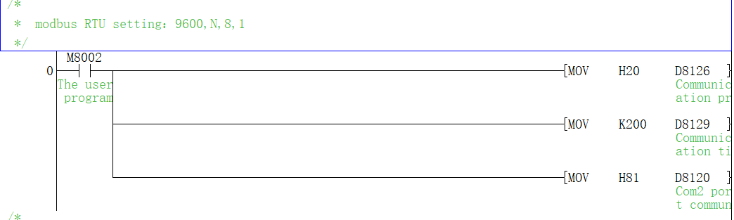
In LX3V,you need enter the communication parameter in the register.
But In LX5V,you just need set it in [PLC parameter]

Then according to the table, convert the 3V register to 5V.
[3V register] - [5V register]
