

How can I use high speed input in Codesys software?
Version 4.1 by Jiahao Lai on 2025/11/19 19:02
In Wecsys software, we have the library of Highspeed IO.
But in Codesys software , it needs to be imported from outside.
You can use this link to download the device library and import it to software.
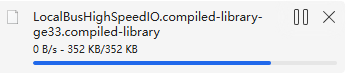
① Download the library into your PC.
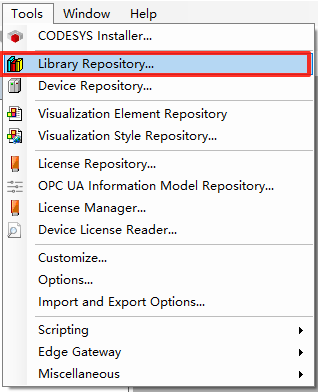
②Open the Codesys software - [Tools] - [Library Repository]
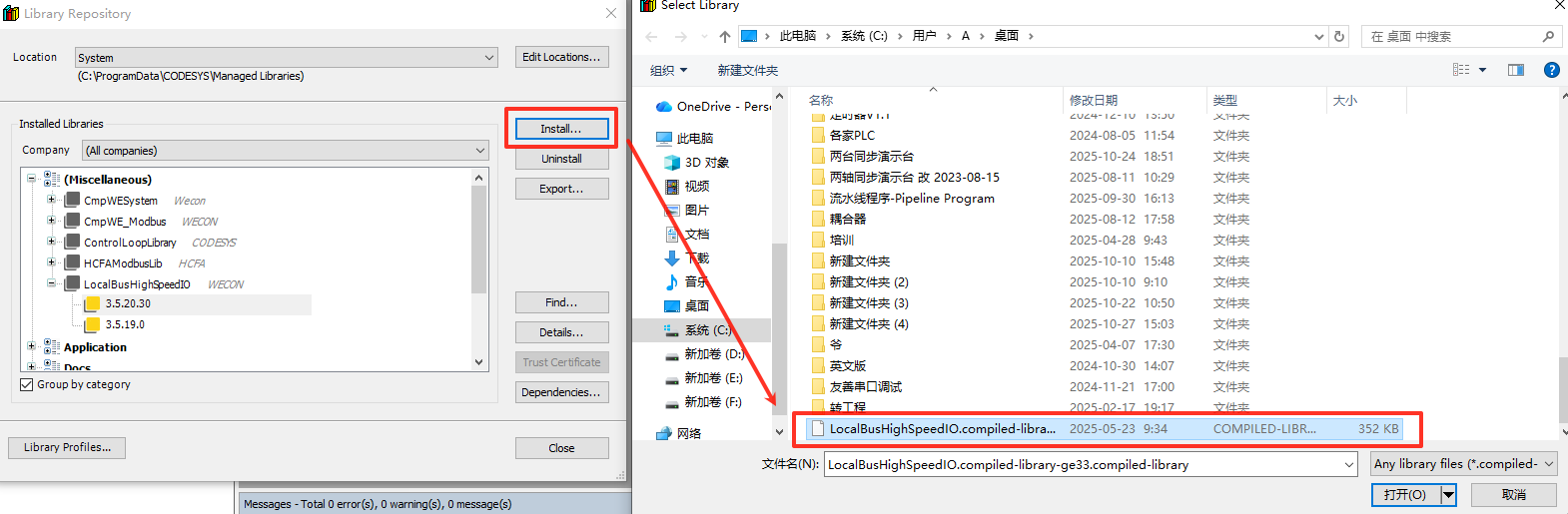
③Click [Install] - Choose the file - [OK]
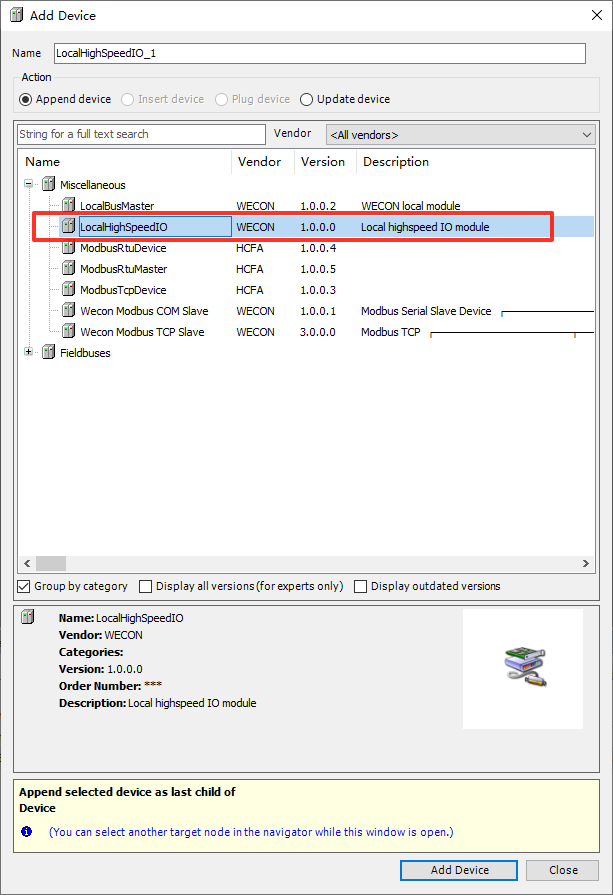
④Right click [Devide] - [Add Device]

⑤Add the [HighSpeedIO] in the program tree
About how to use the High speed IO,kindly check this Youtube video.