How to encrypt my project?
Project encryption
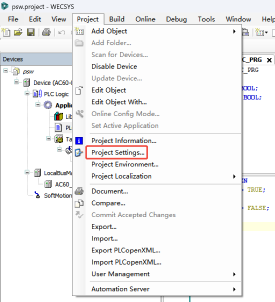
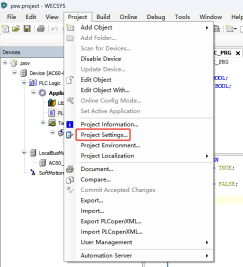
Step1: [Project]-->[Project Settings]
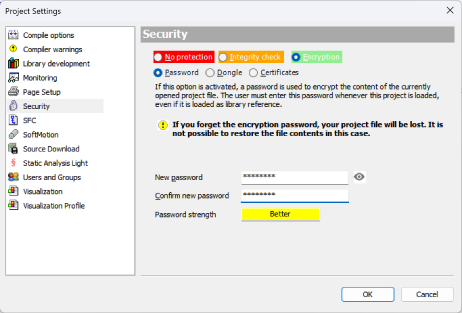
Step2: [Security]-->[Encryption]-->[Password]
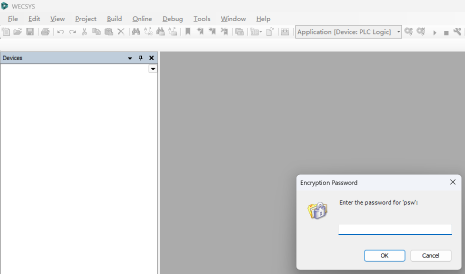
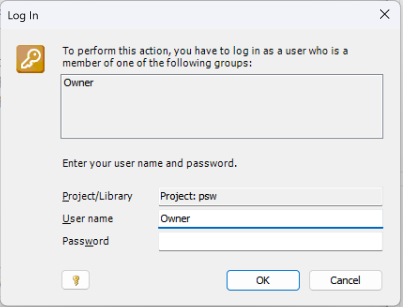
After setting password for project, need to enter password to open the project:
Object encryption
Step1: Create new group and user
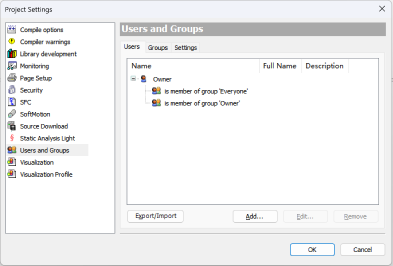
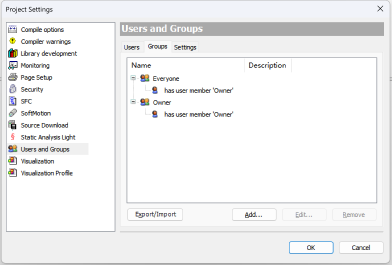
1. There have one default user "Owner" and two default group "Everyone" and "Owner".
2. Only user in "Owner" group have right to add/remove user.
3. The default psw of user "Owner" is blank.
Use "Owner" user(no password) to create a new user, for example "Viewer".
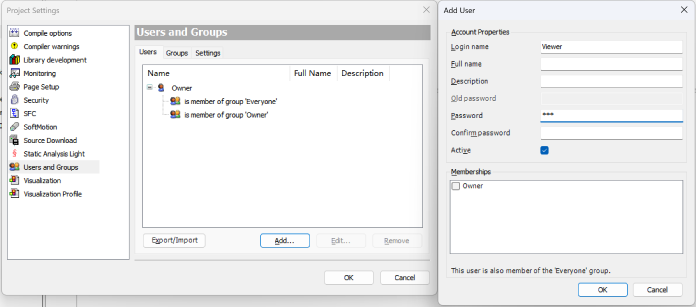
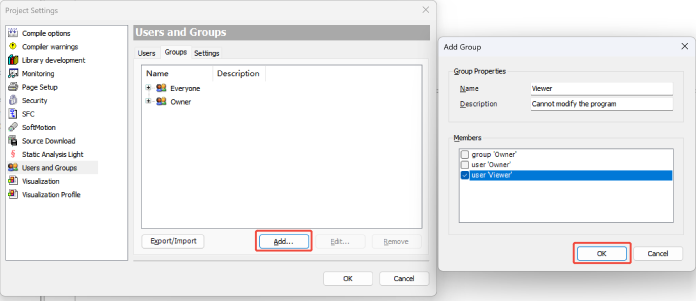
Create a new group, for example "Viewer", and select user "Viewer" as its mumber.
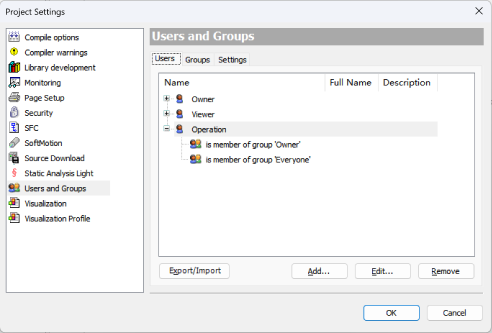
Create another user "Operation" and put it into "Onwer" group.
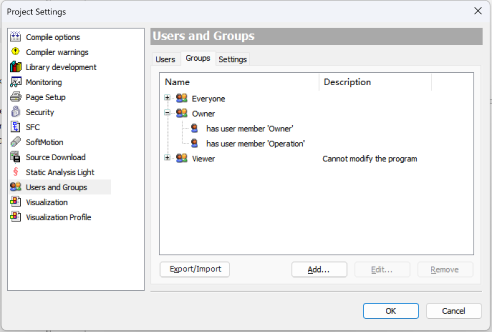
Step2: Login "Operation" and delete or change the password of default user "Owner".
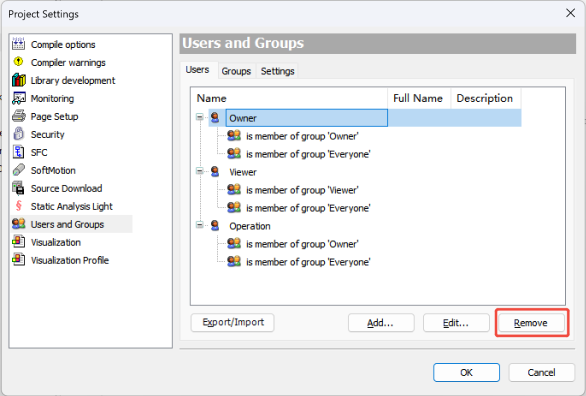
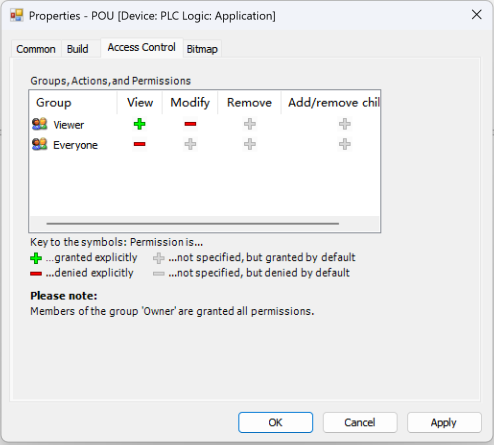
Step3: Set different right of Program/FB/FC...
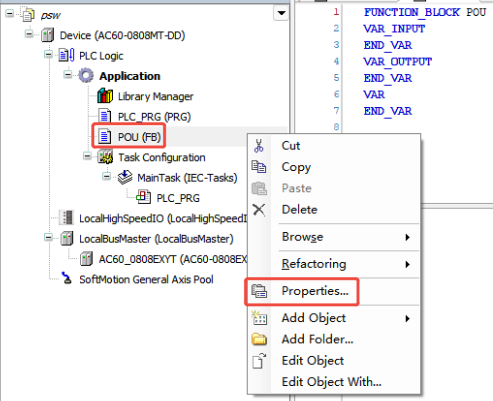
Right-click FB to enter the "Access Control" page.
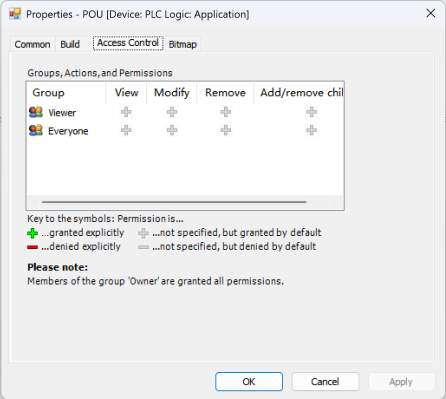
Configure the right of different group, here only mumber in "Viewer" group could view the FB, but cannot modify it.