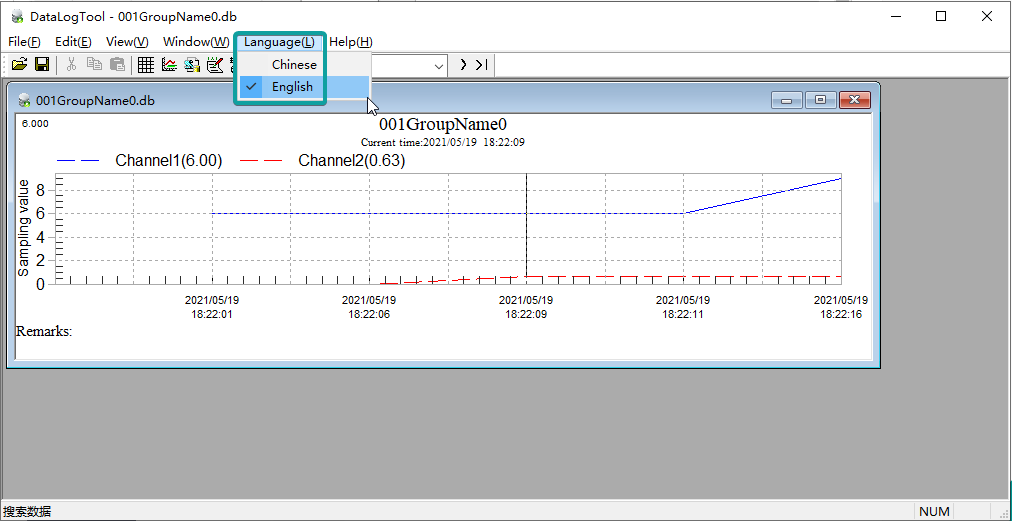
How to check the data as graph format at PC?
Last modified by Wecon on 2025/09/03 21:03
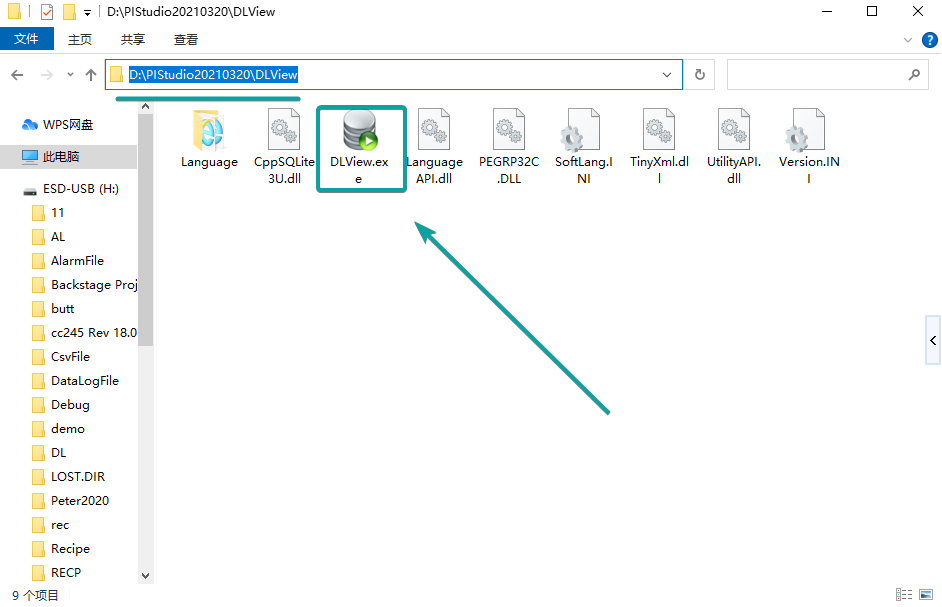
There is a tool called DLView in PIStudio installation path.
We can use it to view the data as graph format.
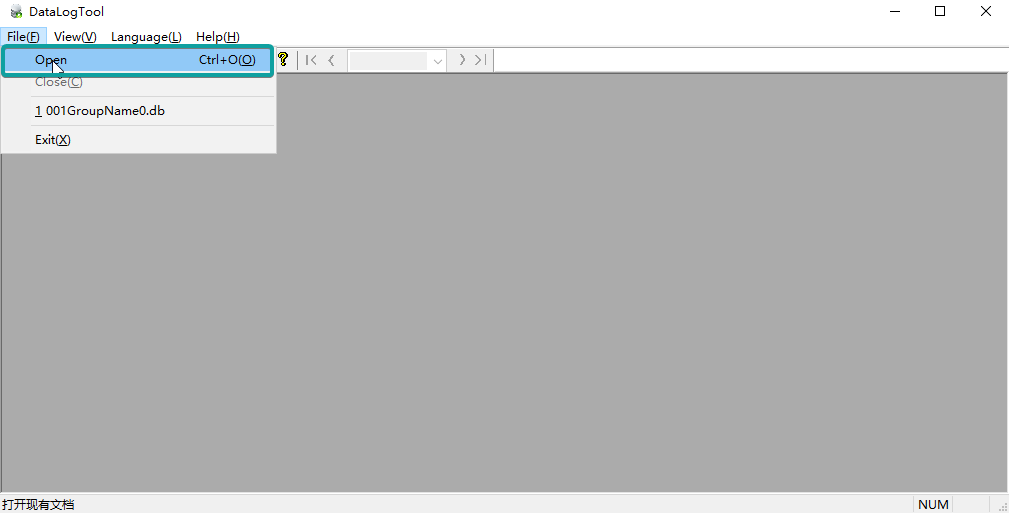
1. Click "Open" to view the record file.
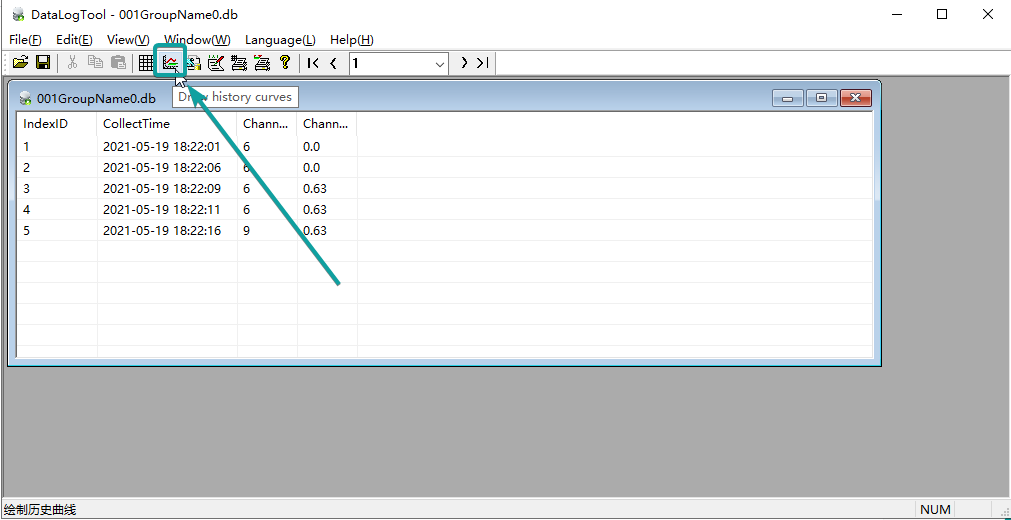
2.Click "Draw history curves".
3.Finally the graph result would display.
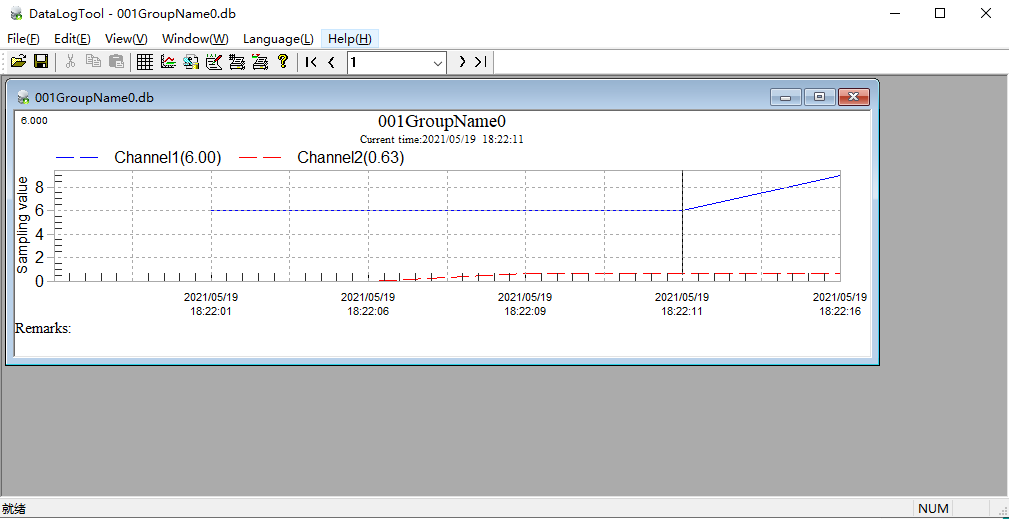
PS: If the tool isn't in English, you can change the language in menubar.