How to bind the web scada project for the vbox?
Last modified by Wecon on 2025/09/03 21:04
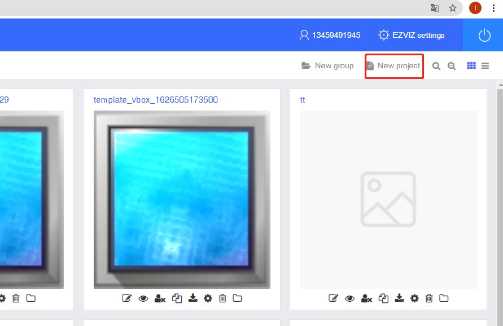
First: build a new project if you don't have one:
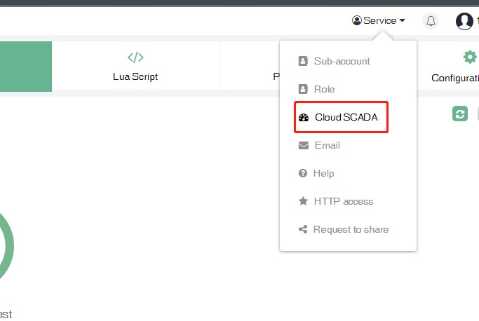
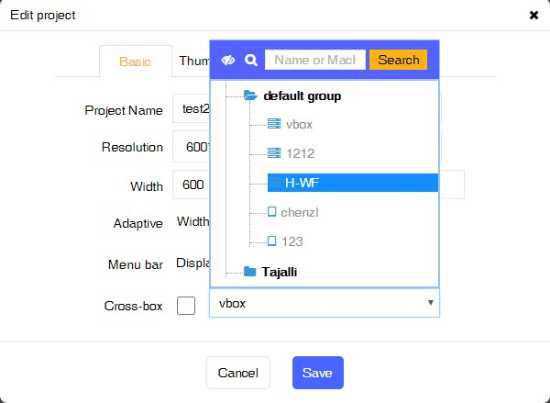
Second: assign the project to the designated vbox:
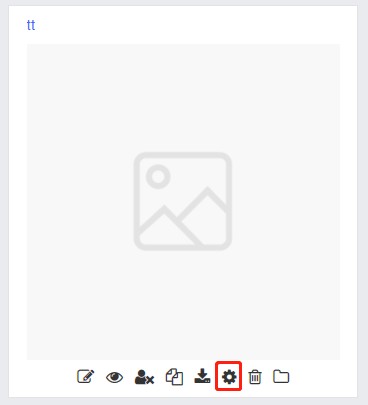
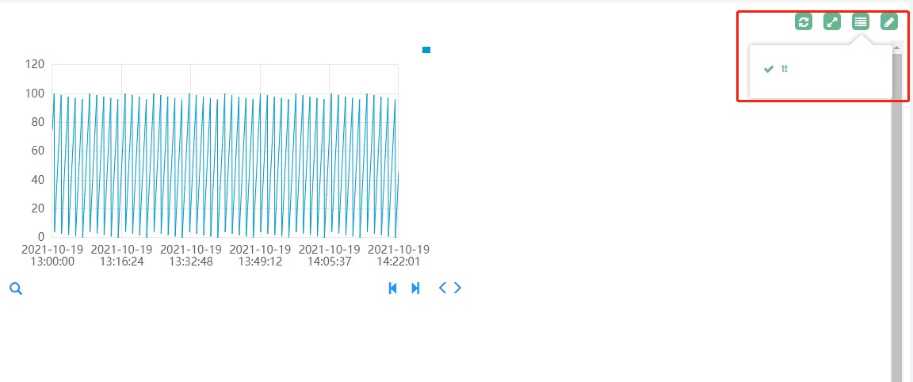
Third: click here to see the project.
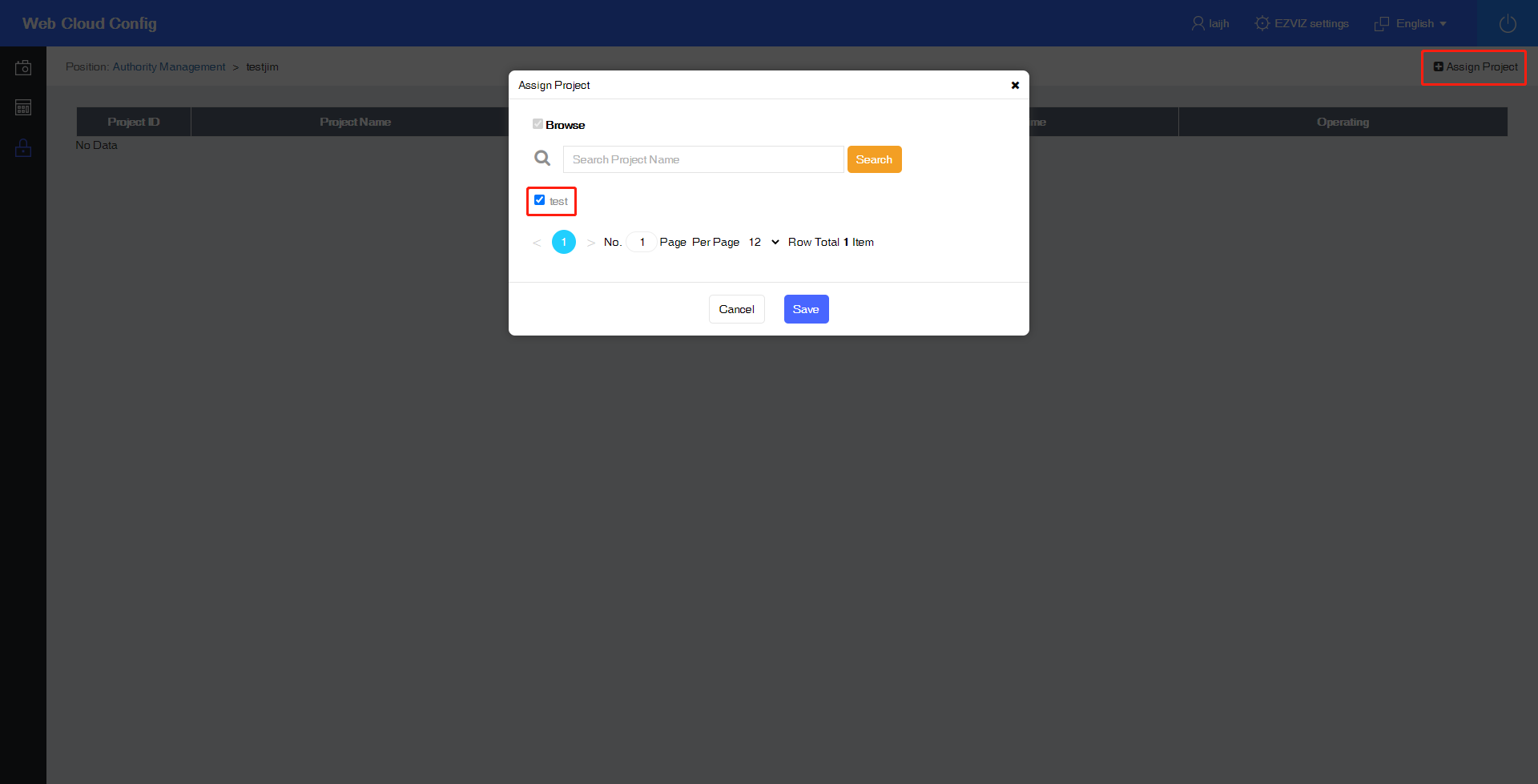
For the sub-account, please follow the steps below to assign cloud SCADA projects to sub-accounts:
First: Log in to the main account and enter the permission assignment interface: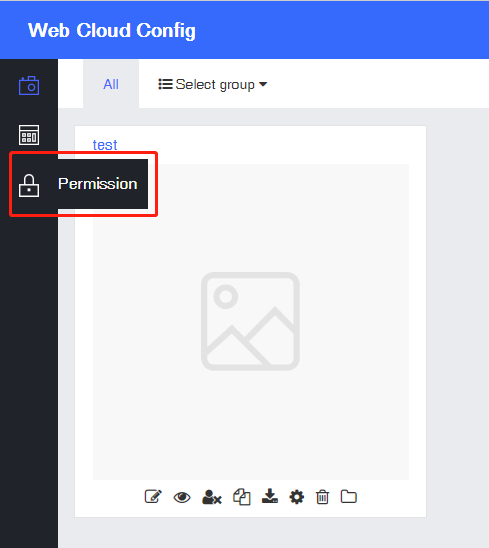
Second: Select the sub-account, click Project Assignment: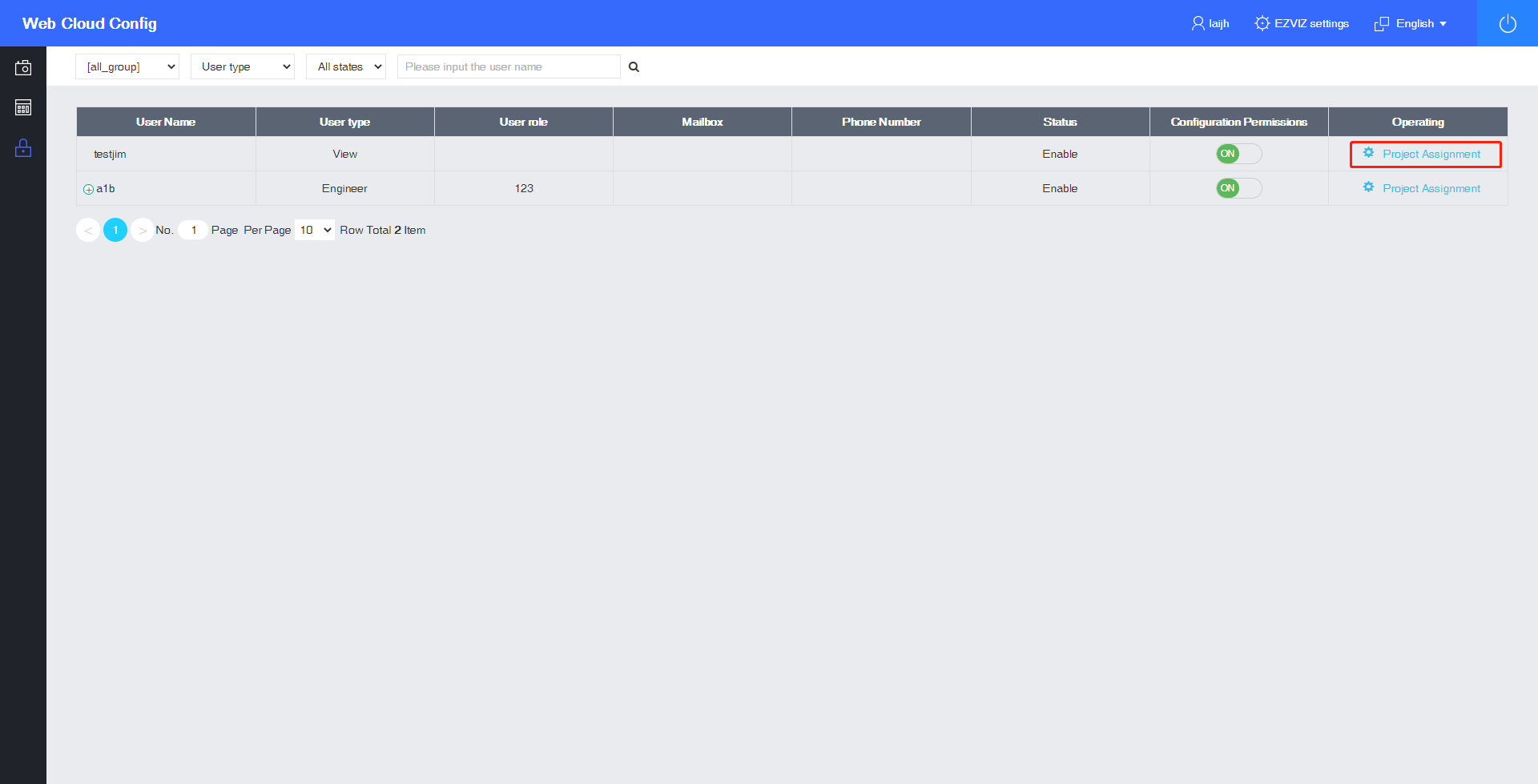
Third: Assign cloud SCADA project to the sub-account: