

How to handle the 0xc000007b error when running the V-net client 2.0?
If you encounter the 0xc000007b error while running V-net client 2.0, it usually indicates that the operating system is missing essential runtime libraries required for the software to function.
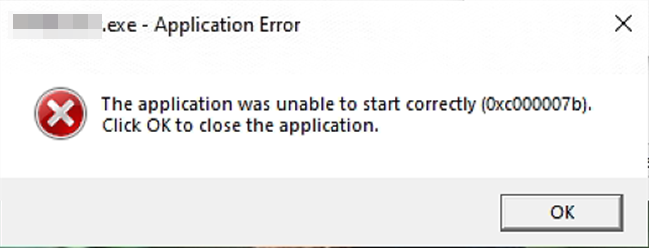
Follow the steps below to resolve the issue:
1. Navigate to the software installation directory and double-click to run vcredist2019.exe. This will install the Microsoft Visual C++ Redistributable for Visual Studio 2019 runtime library.
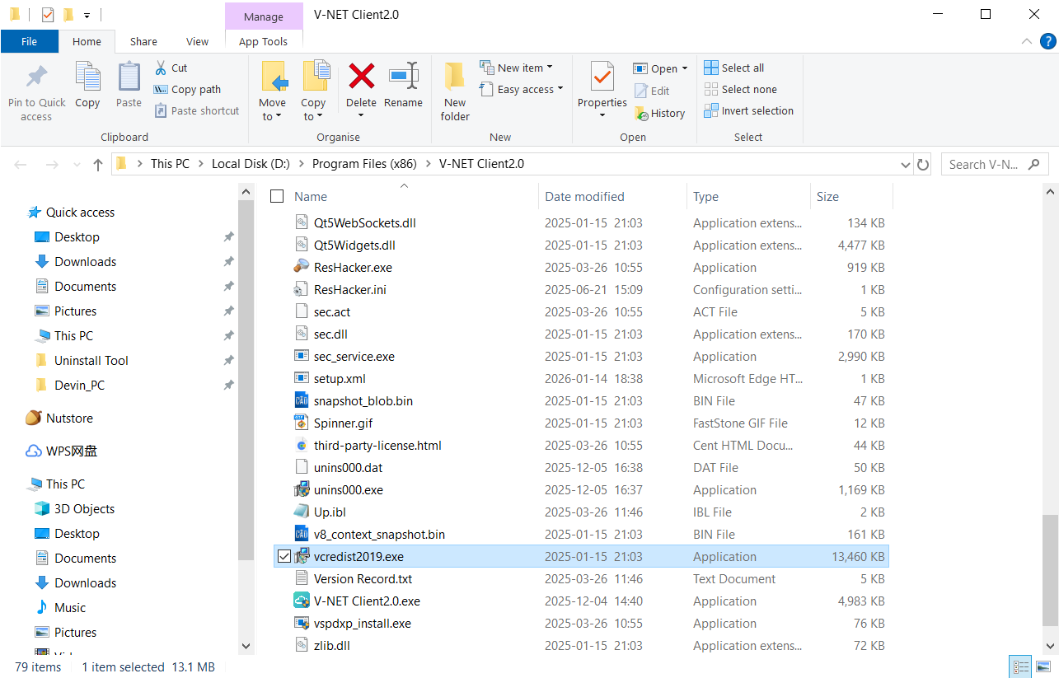
Typically, after installation, the program should launch normally.
2. If the error persists, copy the mfc140u.dll file from the following paths on a computer where the software runs correctly:
C:\Windows\System32\
- C:\Windows\SysWOW64\
Paste these files into the same directories on the problematic computer and try running the software again.