

11 VB connect Permanent magnet synchronous motor
Last modified by xingzhi lin on 2026/01/19 10:43
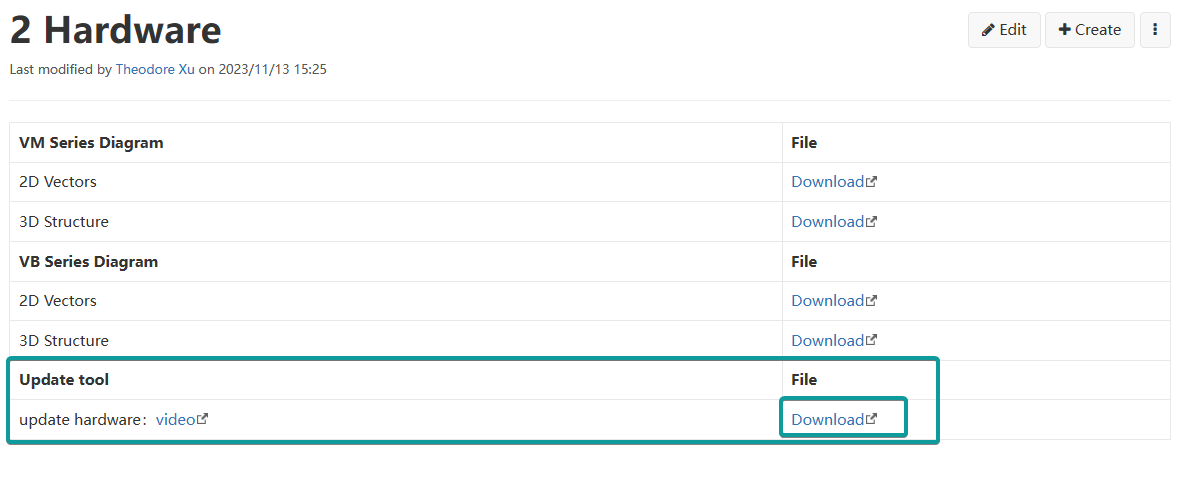
Download the software
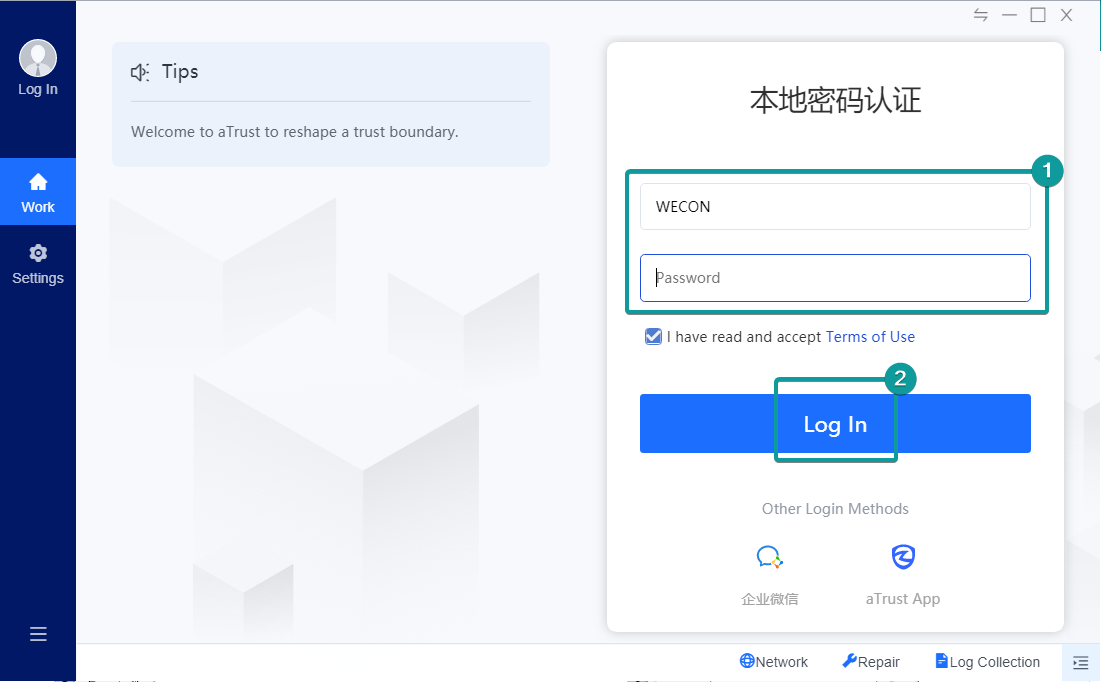
Enter account number and password
- Login account: WECON
- Password: Wwecan123@
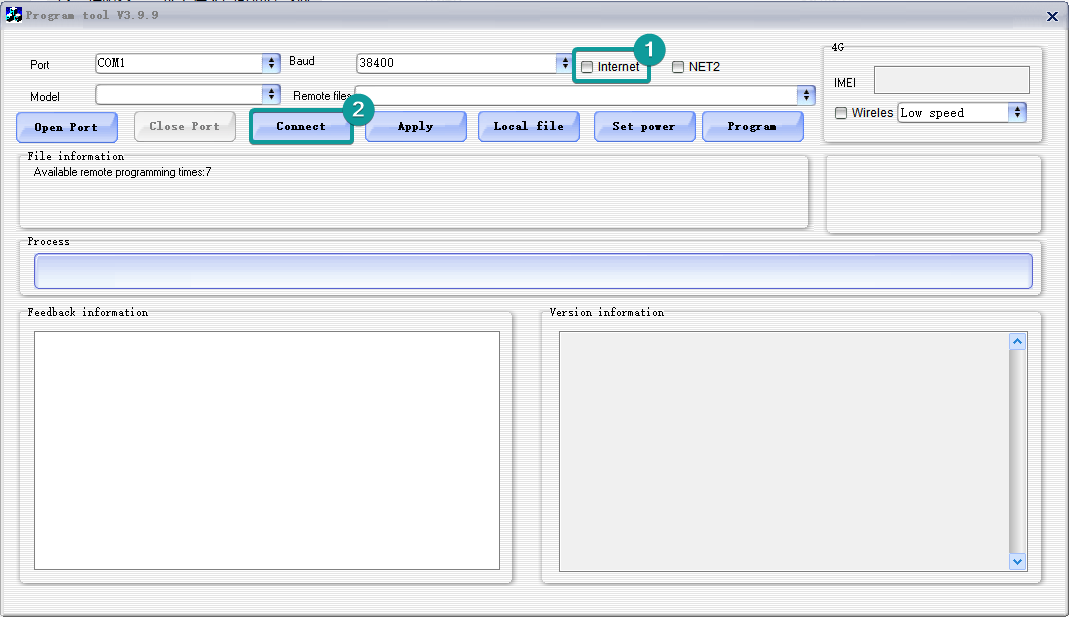
Firmware version
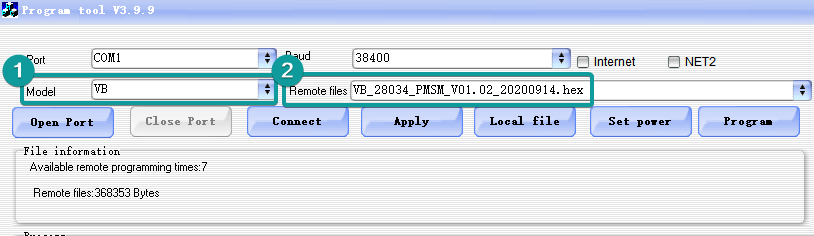
Remote files:VB_28034_PMSM_V01.02_20200914.hex
FF group
After the version download is completed, you need to modify the FF group parameters of the inverter.
For VC VFD, you need to press ENT to enter FF group, and the password is 1005.
- Check the value of F7.11 and input the value of F7.11 to FF.00.
- Modify FF.01 as the corresponding power code of the inverter (contact technical support for confirmation).
- Modify FF.03 as the power of the inverter, for example, 18kW, FF.03=18.
Motor self-learning
- F0.00=0
- F0.01=0
- F2.00=2
- F2.01-F2.05(Check the motor nameplate)
- F2.11=13 synchronous motor stationary tuning (calculate the reverse potential), TUNE appears to press RUN, wait for the self-learning is completed.
- Check the parameters F2.16-F2.20.